Skip to: site menu |main content
Welcome to my personal site. If You have any question or suggestion please feel free to contact me from contact page.
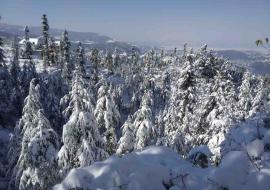
Brother Jivan Lal And Me in front of kamrunag Lake Which formed by nails of Bhim Sen (One of the Pandav as per Hindu Grantha Mahabharta)
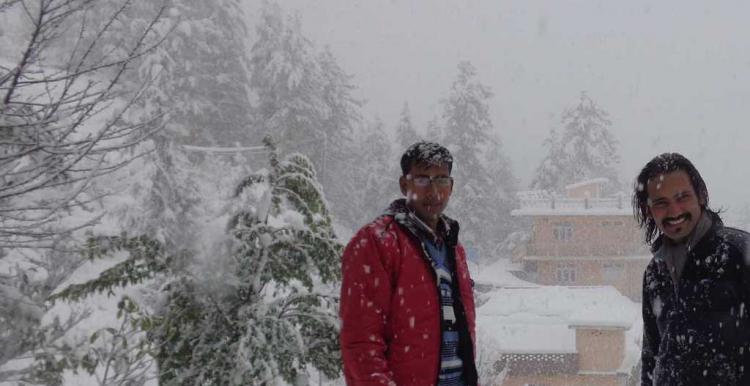
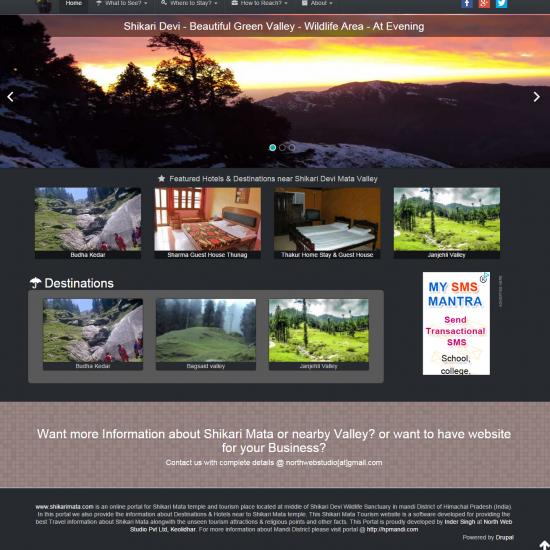
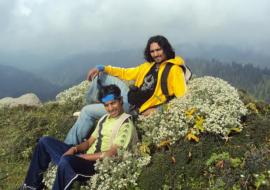
Inder Singh And Nima Negi On Tour of HIlls Hills of janjalhi and Shikari mata MAndi Himachal India janjehli Himachal
We have a very wide community of Drupal6 users,contributors and still growing.Here are few quick drupal links for intermidiate,begineeres,and also for advanced drupal coders.
http://drupal.org/getting-started
http://drupal.org/handbook/customization/tutorials
- check out beginners cookbook and step-by-step articles
http://drupal.org/handbook/customization/howto
theme guide for drupal
http://drupal.org/theme-guide
http://drupal.org/handbook/customization/videocasts
http://drupal.org/handbook/site-recipes: That links to HowTo's, Tutorials, Videos, Snippets, etc.
You can directly download themes from your ssh or putty.
1) Go to themes directory of your drupal installation. E.g:-
cd sites/all/themes
2). Download archive using wget command:
wget http://ftp.drupal.org/files/projects/acquia_marina-6.x-2.0.tar.gz
3). Uncompress archive:
tar zxvf acquia_marina-6.x-2.0.tar.gz
4). Delete/Remove archive:
rm -rf acquia_marina-6.x-2.0.tar.gz
5)Confirm your theme is there:-
ls -a
Also check and enable it from:- admin/build/themes
You can directly download module or theme from your ssh or putty.
1) Go to modules directory of your drupal installation. E.g:-
cd sites/all/modules
2). Download archive using wget command:
wget http://ftp.drupal.org/files/projects/image-6.x-1.0-beta5.tar.gz
3). Uncompress archive:
tar zxvf image-6.x-1.0-beta5.tar.gz
4). Delete/Remove archive:
rm -rf image-6.x-1.0-beta5.tar.gz
5)Confirm your module is there:-
ls -a
Note: the module image-6.x-1.0-beta5.tar.gz is taken here as example please check the current
For converting an existing drupal5 theme to drupal6 theme you can follow these steps:-
=>Create an .info file
Create a themename.info file in your theme directory, which should look something like this:
<?php
name = Human-Readable Theme Name
description = One sentence description of theme.
core = 6.x
engine = phptemplate
?>Lays out content for blocks (left and/or right side of page). This template is optional, and can be overridden by copying the default template and modifying it.
Available variables
The $block object includes:
<?php
$block->module
The name of the module that generated the block.
$block->delta
The number of the block for a particular module.
$block->subject
The block title.
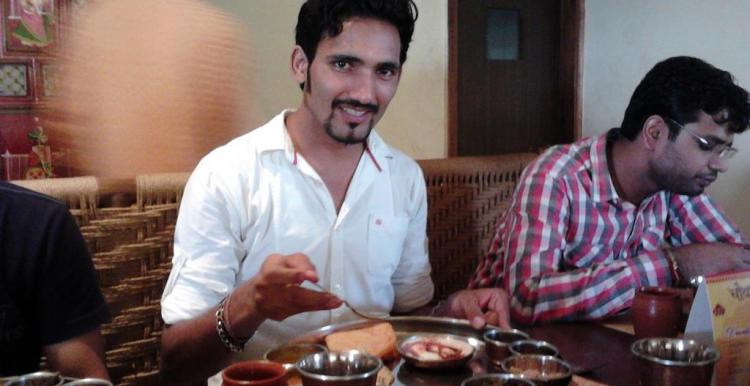
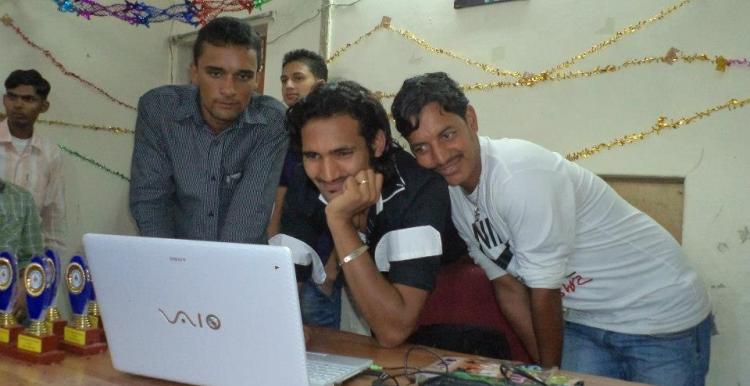
?>NCL Sapient India team in Gurgaon SEZ office for a PhotoShot.. Sweet memories of Sapient Office. :P
InderSingh.com v1.2
(May 18, 2012)
Recent comments
16 weeks 4 days ago
16 weeks 4 days ago
16 weeks 4 days ago
1 year 16 weeks ago
1 year 16 weeks ago
1 year 16 weeks ago
1 year 31 weeks ago
1 year 33 weeks ago
1 year 34 weeks ago
1 year 39 weeks ago